
Technical Features
Business-Optimized Router for Internet Egress and Ingress
THE DATA DRIVEN INTERNET GATEWAY
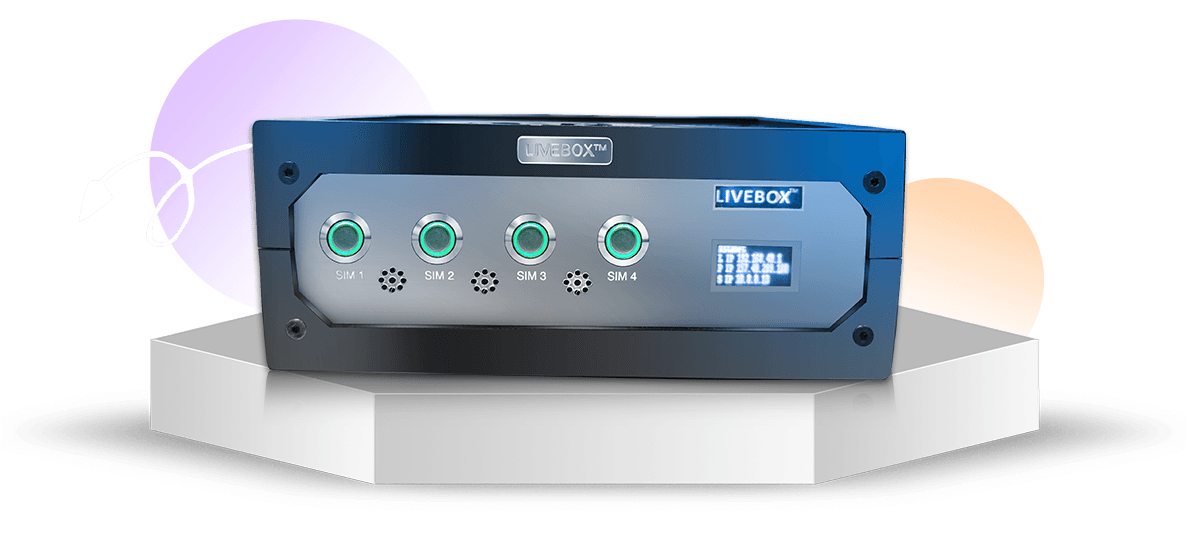
AI enabled with Super NAT, Internal DNS, Server Scaler, Desktop Gateway and more.

Balances the available internet bandwidth for browsing.

Reserve one public IP address for lifetime.

Shifts quickly to other source networks on sudden network failure.

Acts as a receiver of a network for bonding or produces high speed internet.
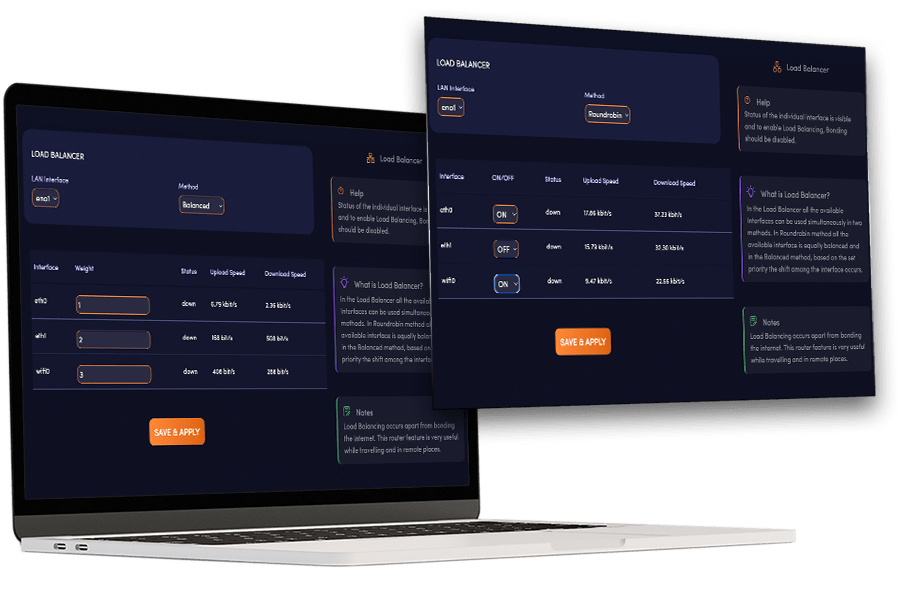
SNAP BALANCER
Instanet combines various internet connections (cellular, Wi-Fi, satellite) for reliable connectivity, even in remote or travel-prone regions.
Key feature: traffic load-balancing to optimize bandwidth and ensure smooth data transfer.
Mobile clinics gain benefits by accessing medical records, remote specialists, and real-time data during emergencies.
Instanet enables uninterrupted access to critical information like GPS navigation, hospital updates, and real-time transmission of vital signs.
Ideal for situations where internet coverage is patchy or nonexistent, providing crucial connectivity for making informed decisions during emergencies.
HOW DOES THE SNAP BALANCER WORK?
Instanet bonding uses Round Robin to switch between Sim cards or connections fairly, optimizing bandwidth for all user. It analyzes network and prioritizes the best connection dynamically foe consistent, high-speed internet without favoring specific network. Seamless browsing experience ensured.
In the Balanced method, instanet bonding devices distribute network traffic equally among connections, optimizing bandwidth and speed. A range setting, up to 20%, determines how network traffic is allocated to each connection, with equal portions within that range. Network priority is set in this method, assigning priority based on the predefined range.
QUICK FAILOVER
This feature is highly useful in remote places like farms, factories, and godowns. This is also used in remote villages, in trucks and buses.
Through one available network provider, the bonding router delivers high-speed internet
In case of sudden network failure due to a power shutdown or weather conditions, this feature automatically shifts to another network provider within a fraction of a second.
The shift between one network source to another occurs in the blink of an eye.
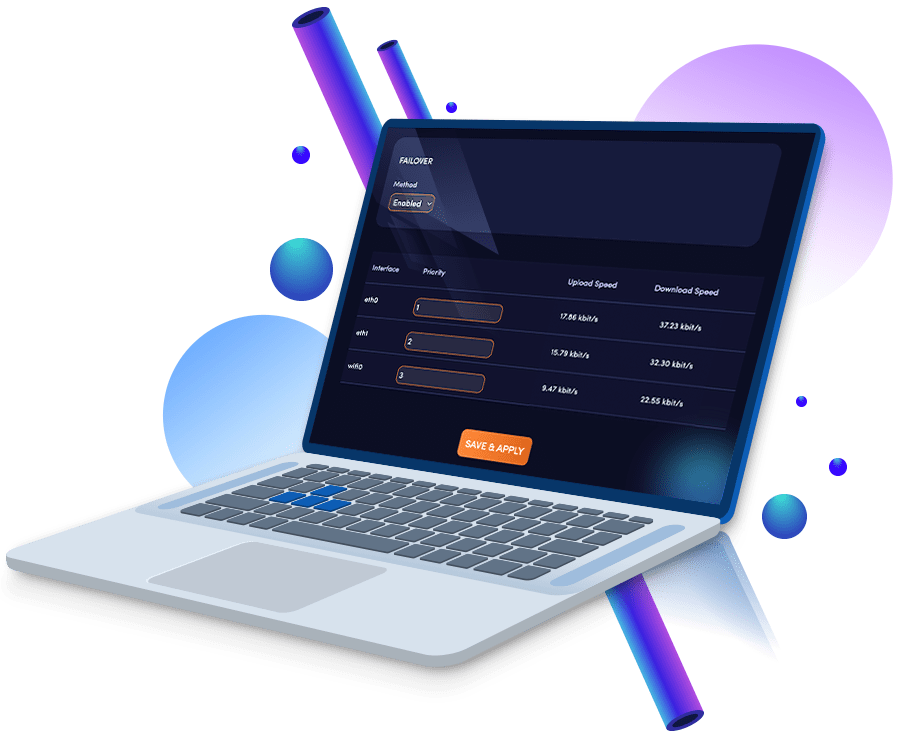
How does Quick Failover Work?
In this feature the network remains uninterrupted as it automatically switches from one network to another incase of sudden network failure.
This feature can either set priority automatically or manually.
This is highly recommended in remote places like industries, godowns and schools.